
Your therapy companion
Keep your therapy journey moving forward.
Between sessions, when life gets in the way, it's easy to lose sight of what you're working towards. Qwandery keeps your goals in view, with daily check-ins, gentle reminders and a place to reflect.
iOS and Android apps are coming soon
Leave your email and we'll let you know when they launch.
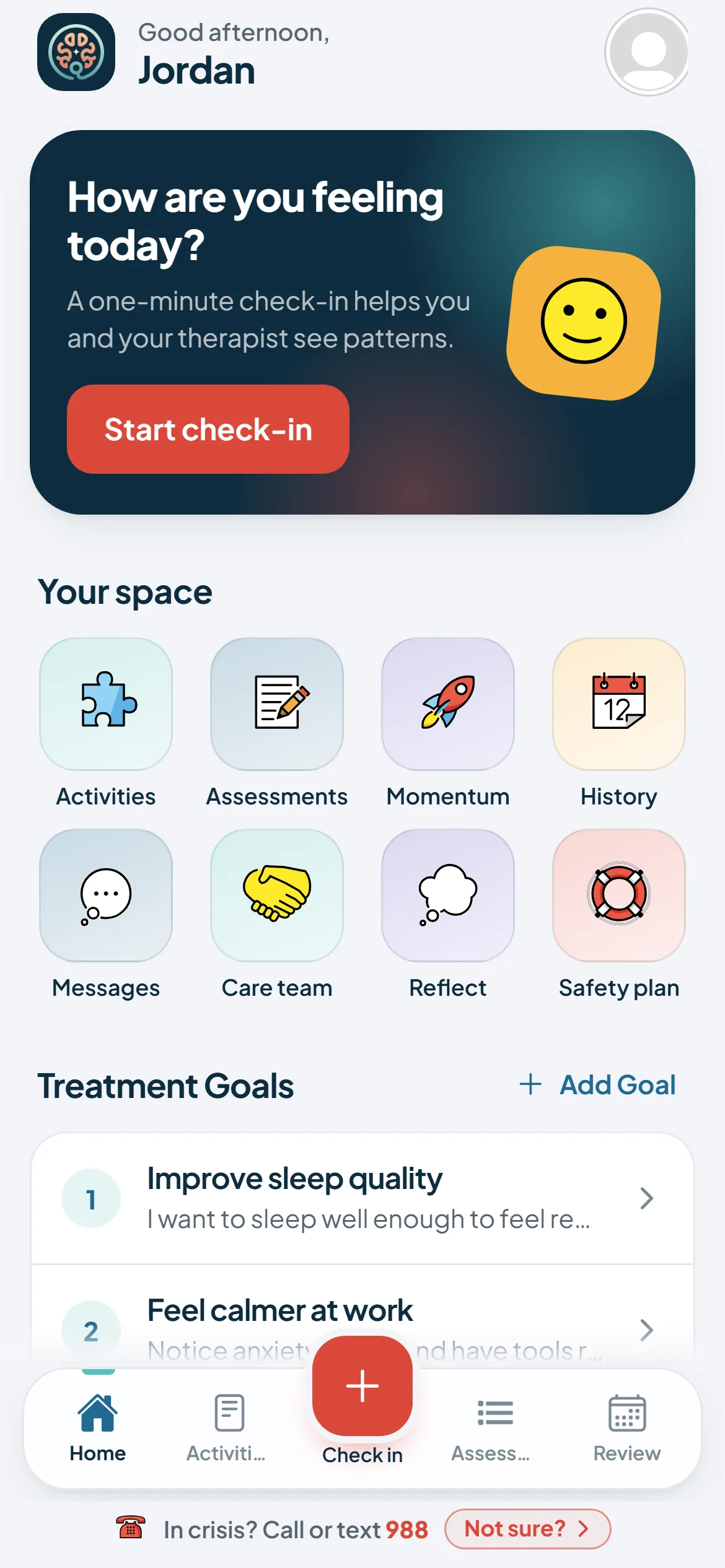
The right gear
Therapy is an expedition. Pack accordingly.
Your therapist is a skilled guide with a plan to help you reach your goals. Qwandery equips you for the days in between, so everyday distractions don't erode your momentum.
Your map
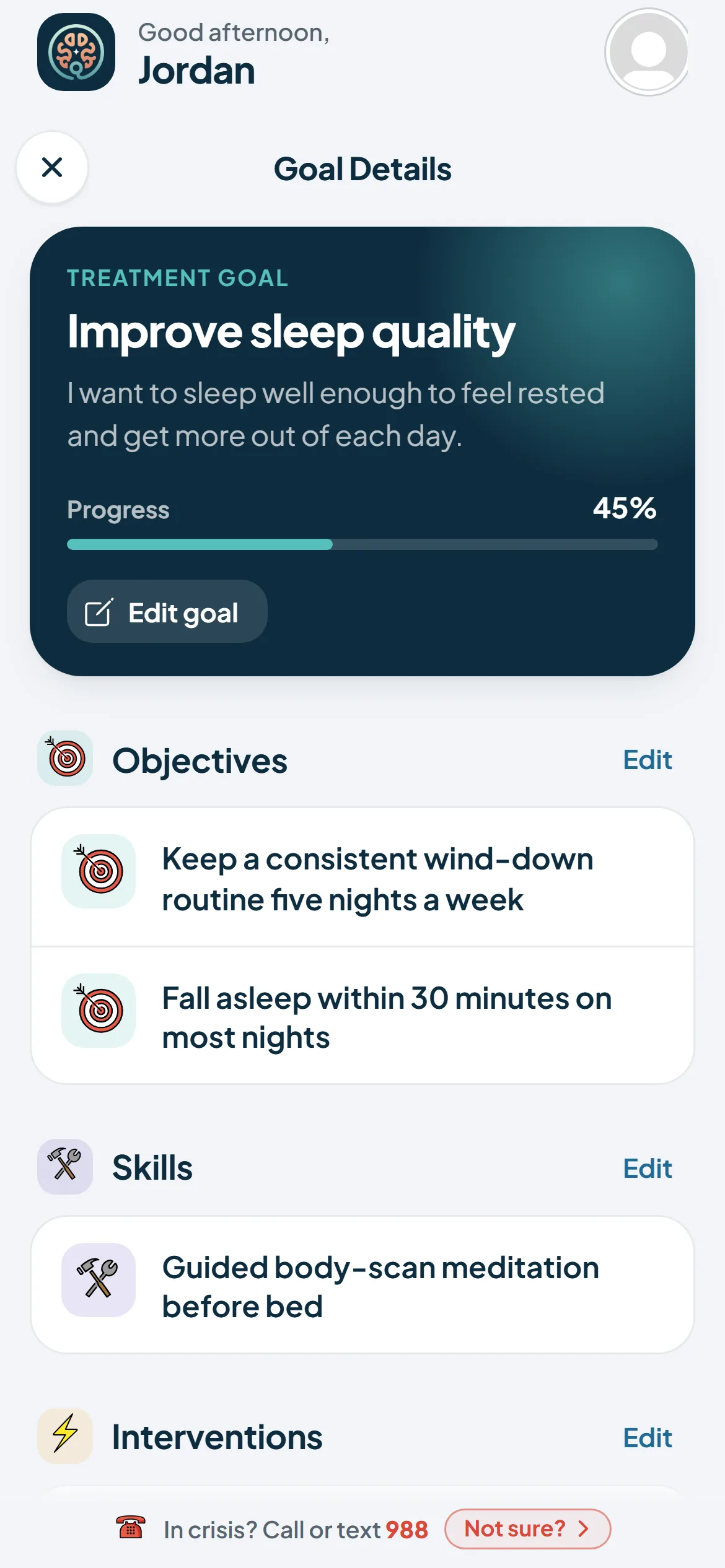
Treatment goal tracker
The plan you made with your therapist, always within reach, with your progress on each objective.
Your compass
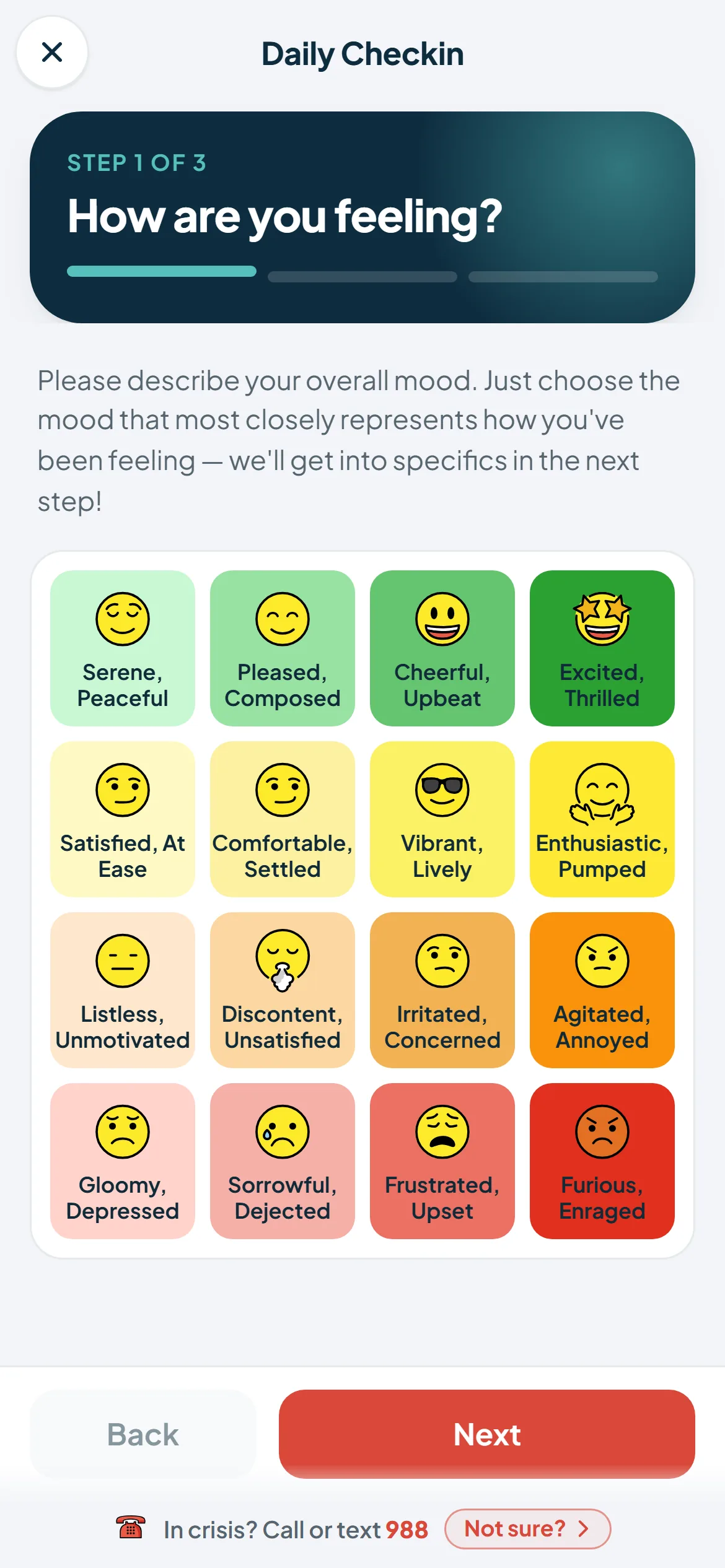
Daily check-ins
Notice how you feel and what's shaping it. Over a few days, patterns, challenges and wins start to show.
Your logbook
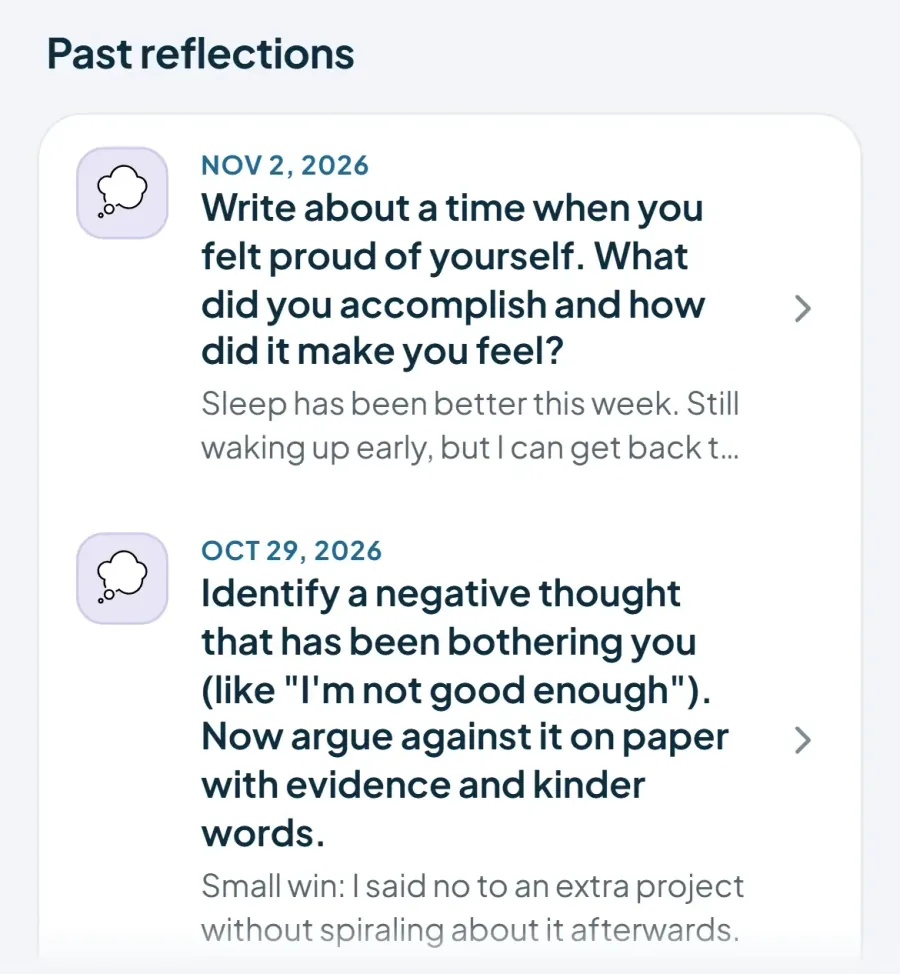
Reflection journal
A simple space for a moment of reflection: process insights as they surface, and record questions and observations to bring to your next session.
Your trail markers
Gentle reminders
Scheduled prompts bring your attention back to the journey and help you stay on track between sessions.
A week with Qwandery
Small steps, every day
01Check inA minute to name the mood
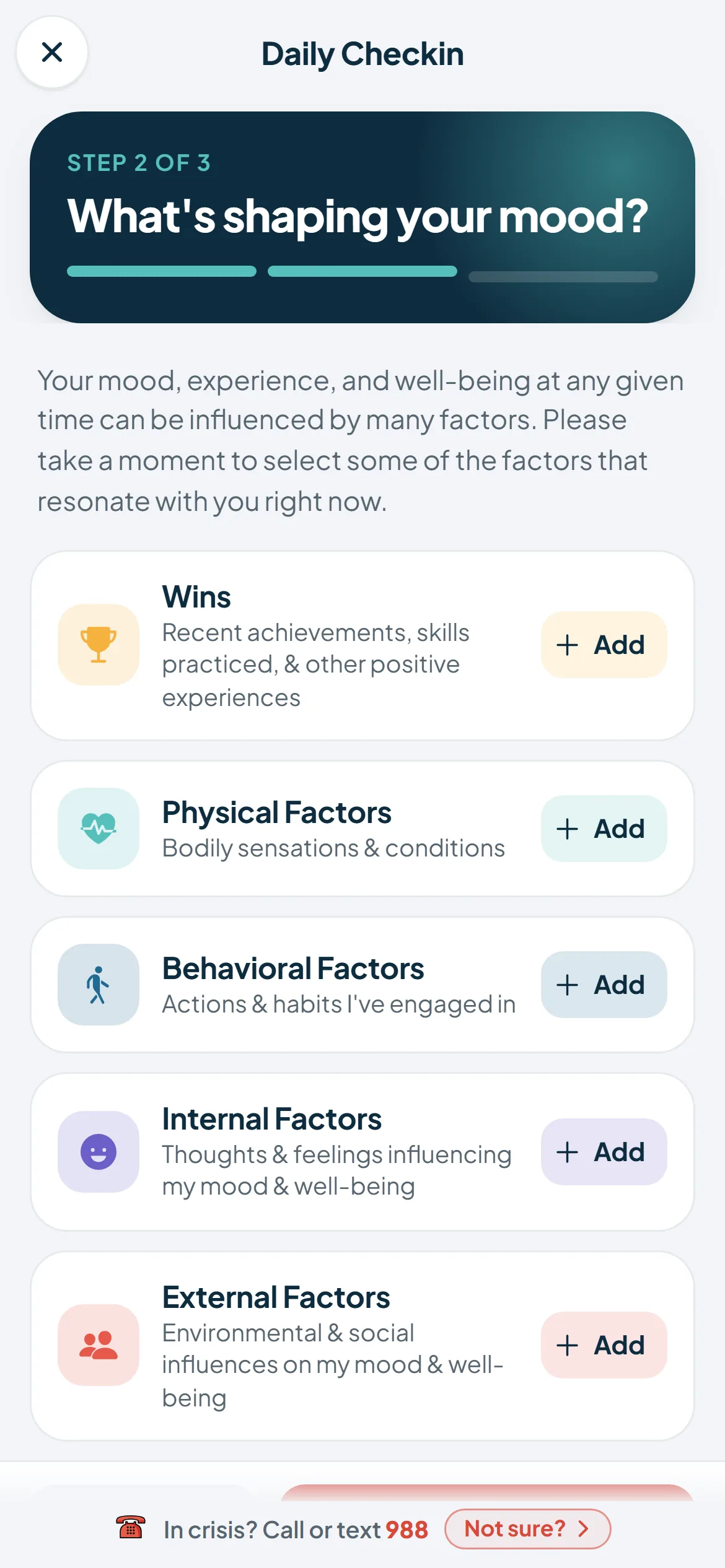
02NoticeWhat's shaping it today
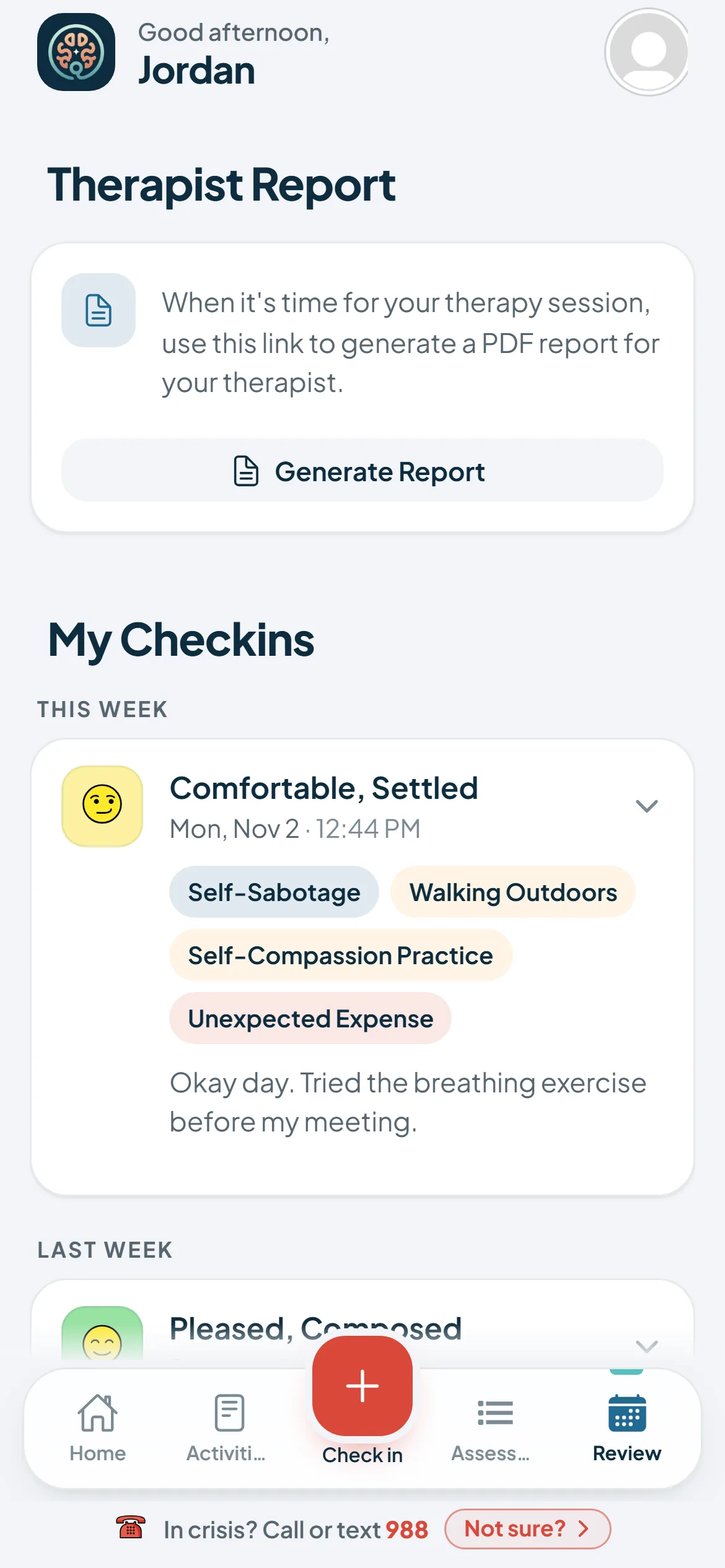
03Look backPatterns across the week
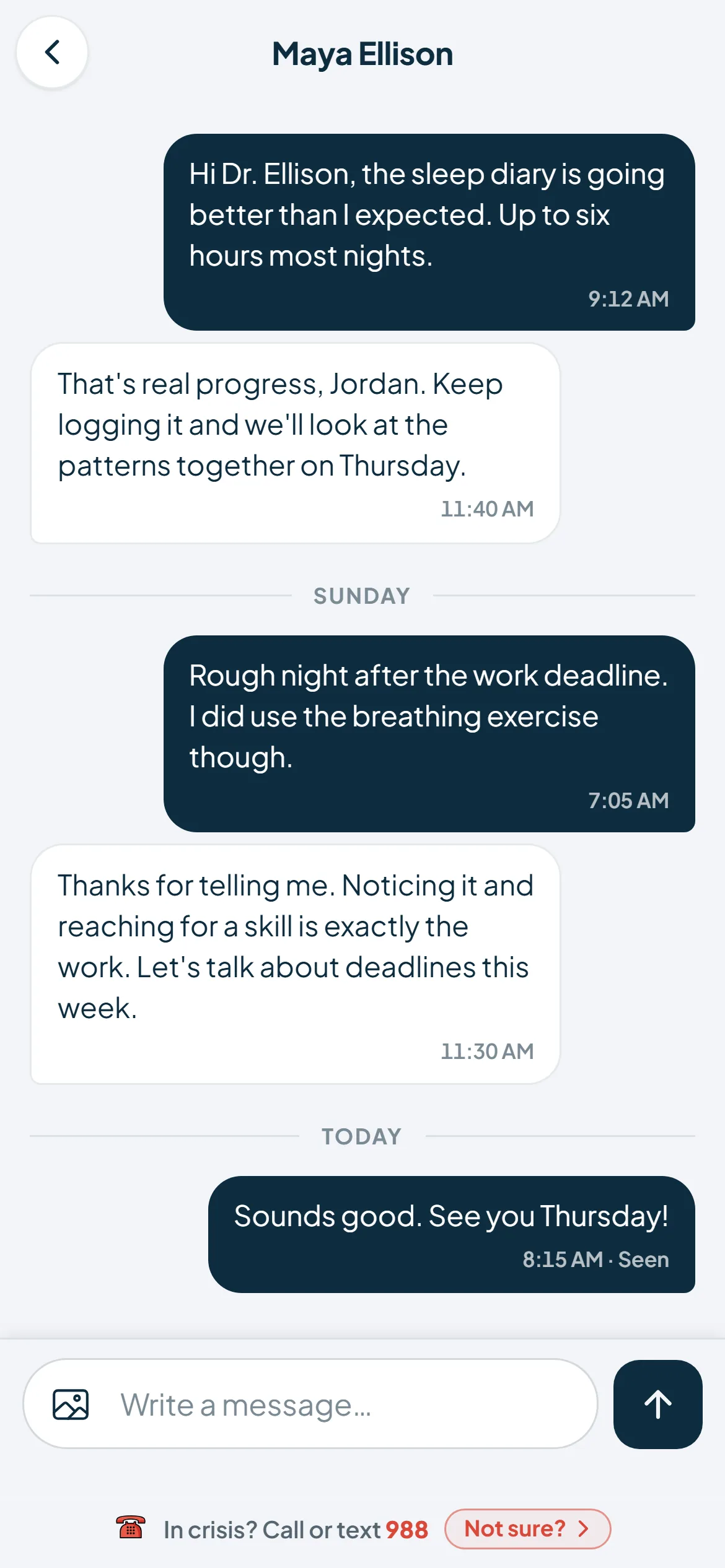
04Stay connectedA note to your therapist
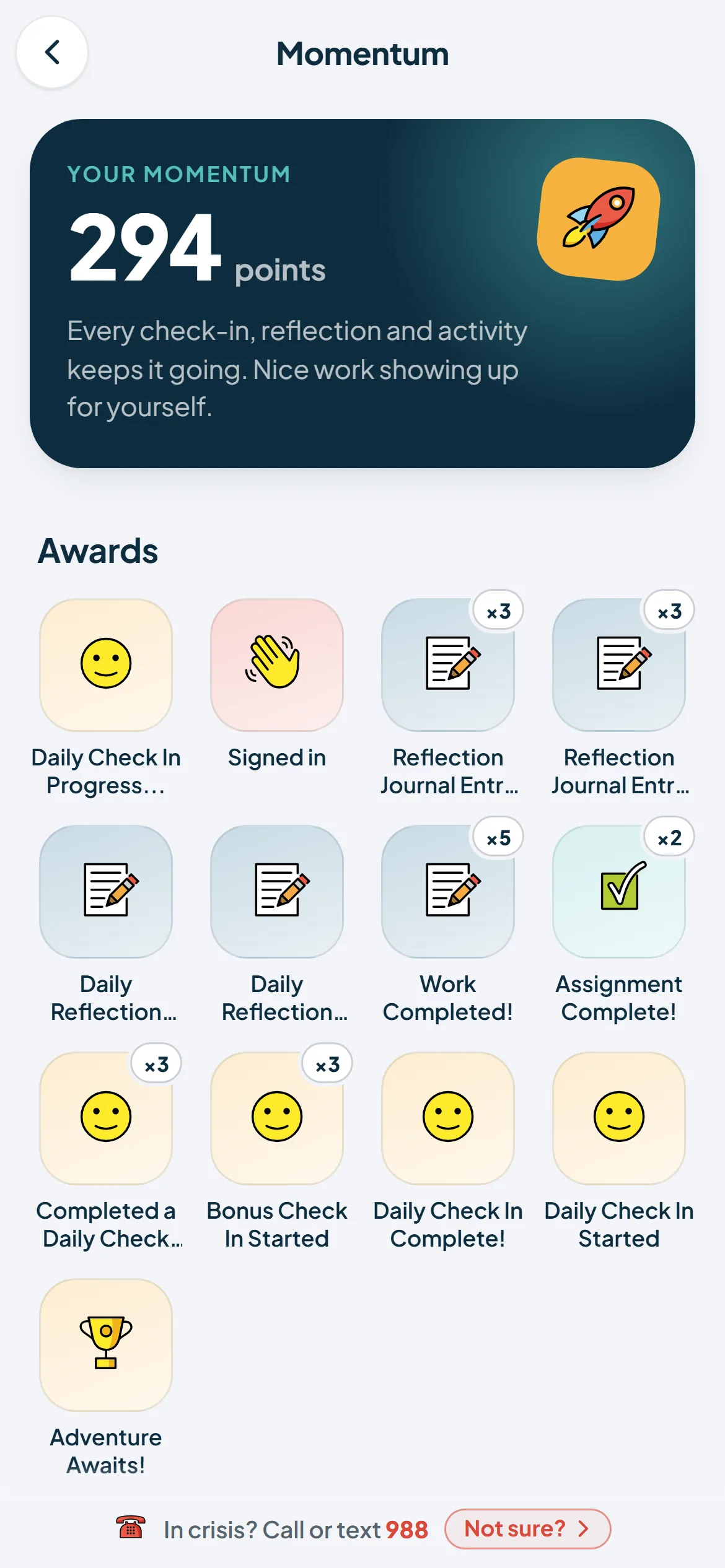
05Keep goingMomentum you can see
Courses and activities
Practice the skills between sessions.
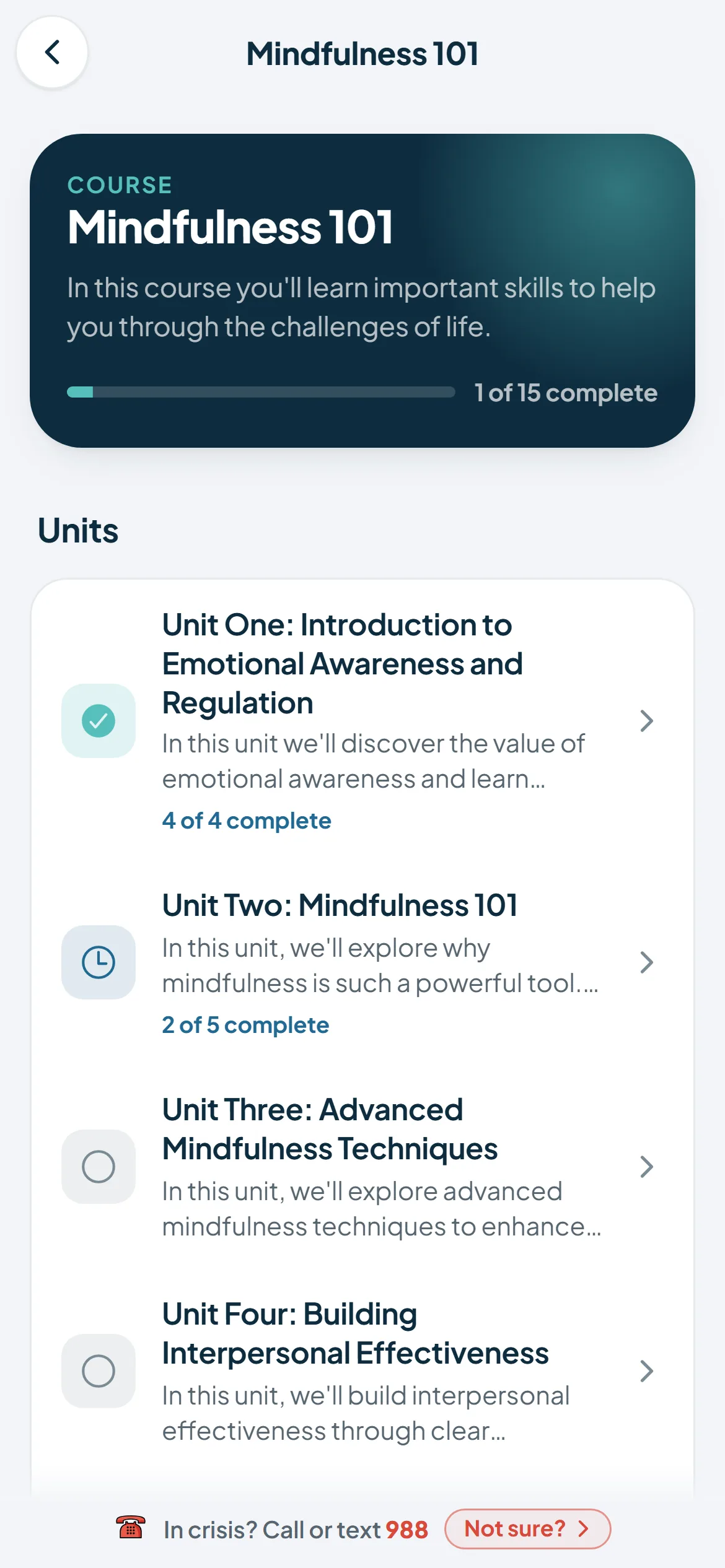
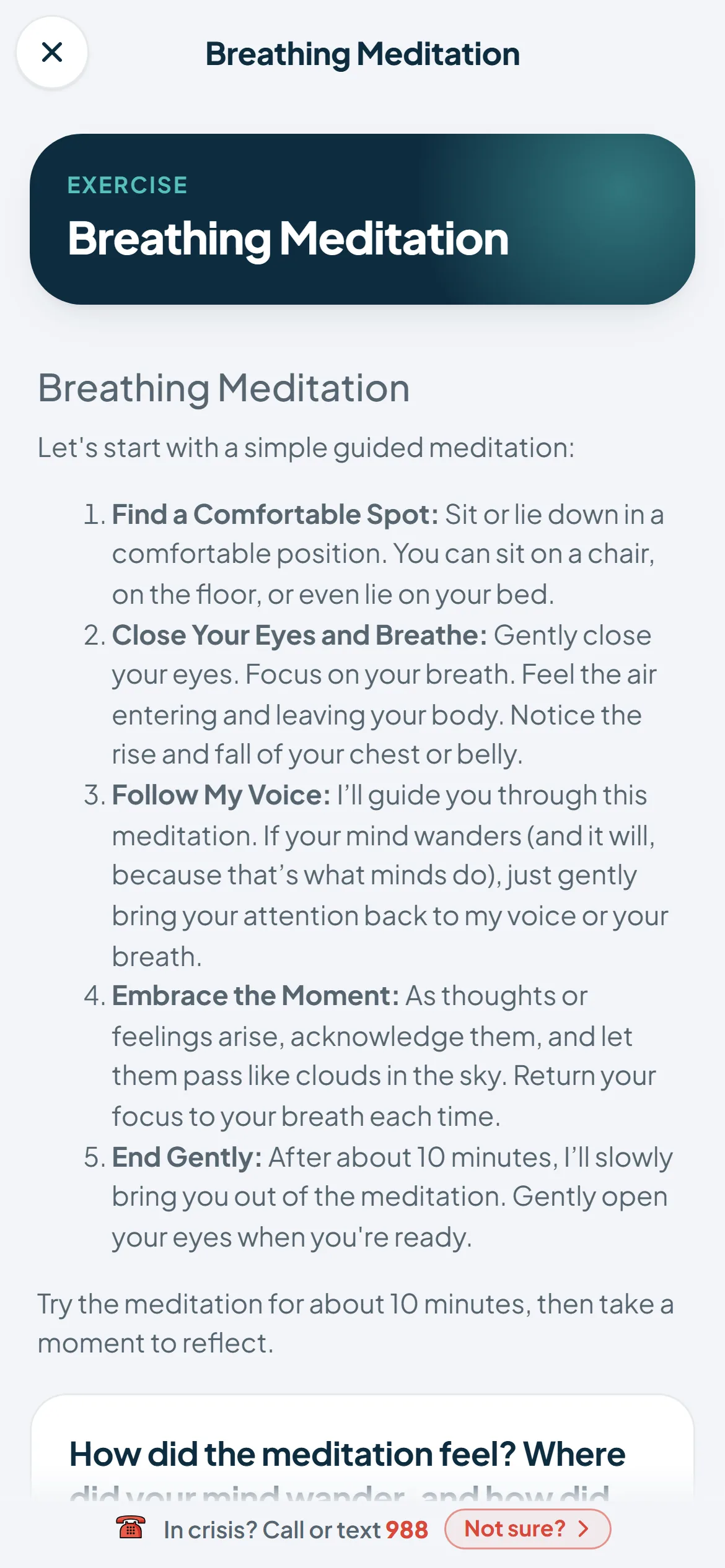
Your therapist can assign short exercises, lessons and multi-unit courses, like Mindfulness 101, to work through at your own pace, a few minutes at a time.
- Exercises one step at a time, saved as you go
- Courses in units, with your progress shown
- A note from your therapist on what to focus on
- Add courses yourself, when your therapist allows it
Assessments
A few minutes, a clearer picture.
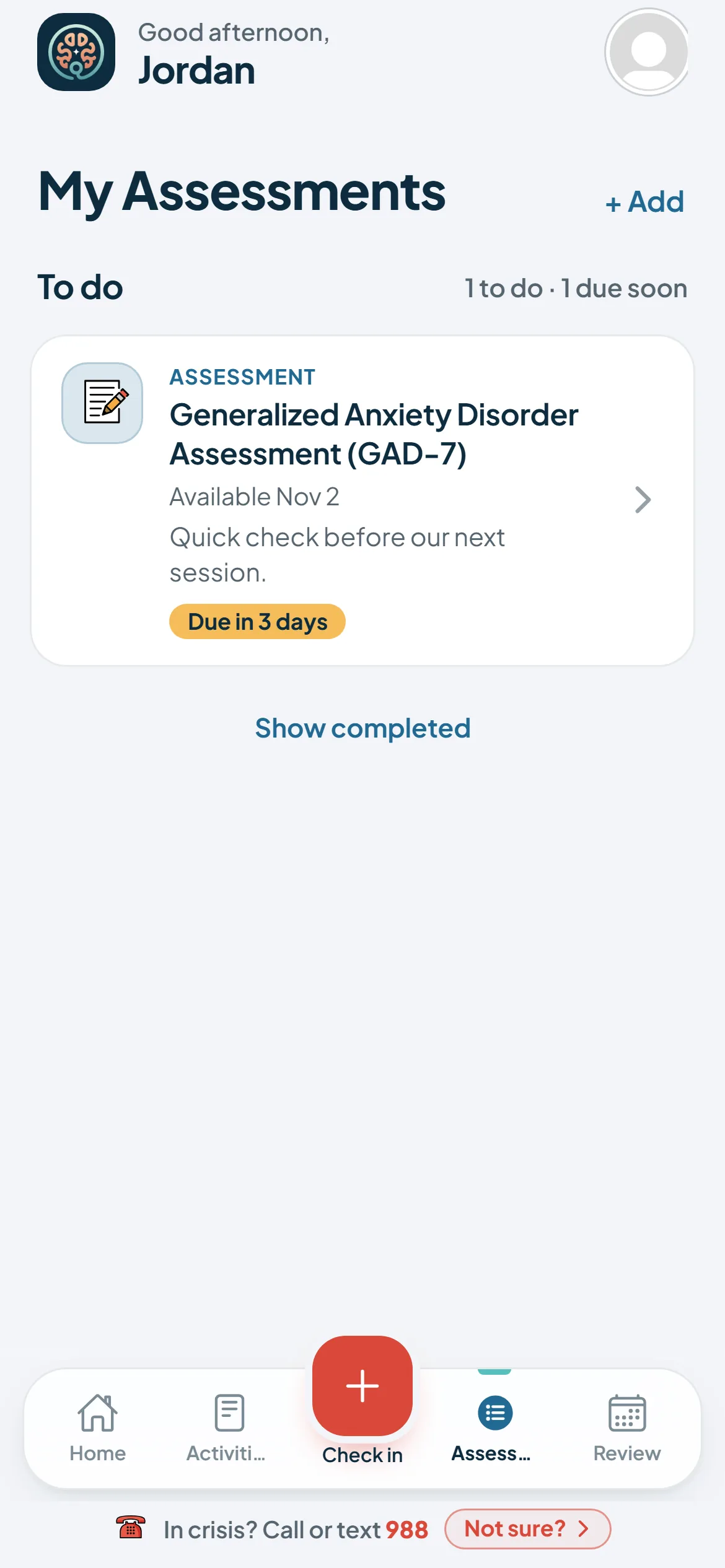
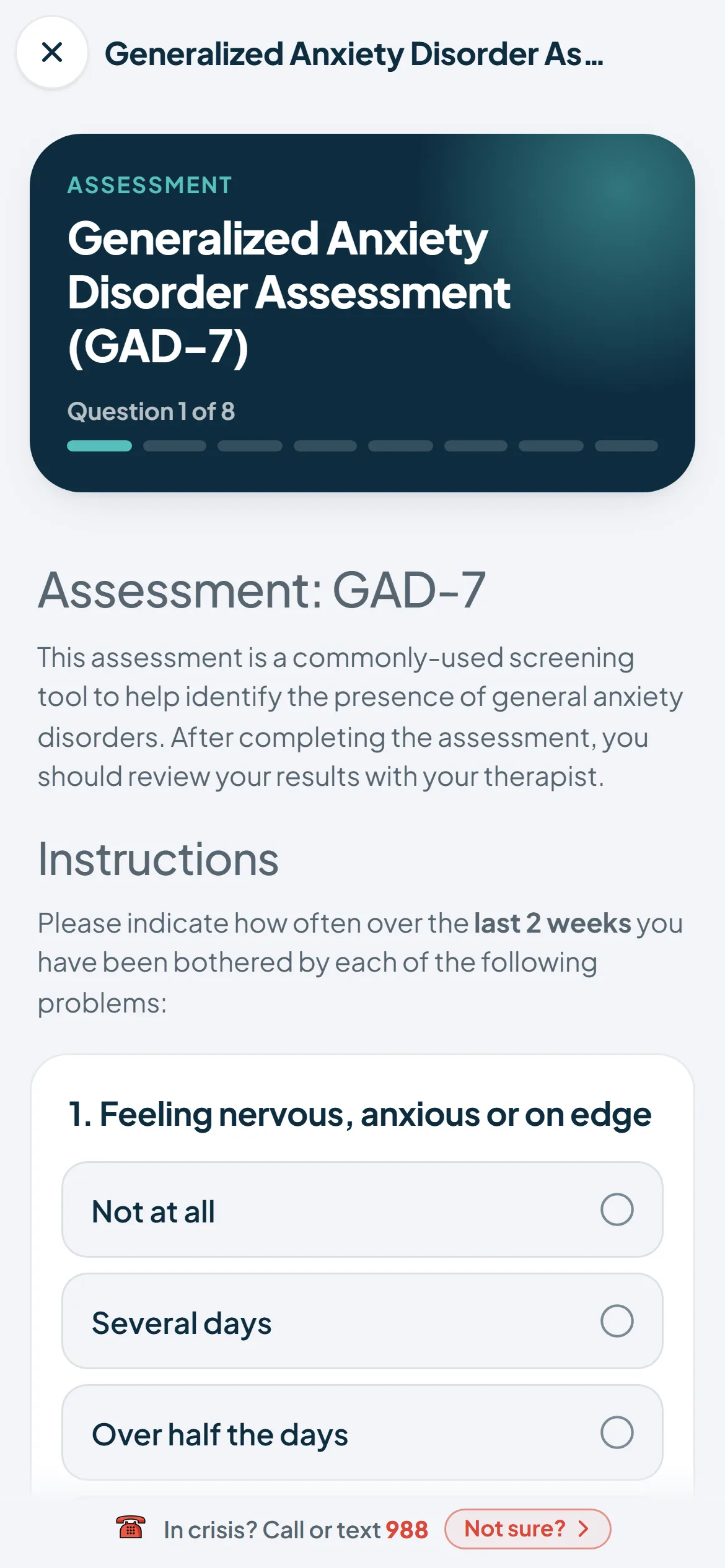
From time to time your therapist may ask you to complete a short, standard questionnaire, such as the PHQ-9 or GAD-7. Your answers go to your therapist, who can see how things change over time and talk it through with you.
- One question per screen
- A due date, so you know when it's needed
- Look back over your answers any time
- Not a diagnosis: your therapist reviews the results with you

How it works
Built around the work you do together.
- 01Set goals with your therapistYour treatment goals, objectives and skills live in the app, so the plan you made together is always within reach.
- 02Check in, a minute a dayNotice how you're feeling and what's behind it. Patterns, challenges and wins start to come into view.
- 03Bring it back to sessionReflections and questions you capture during the week become a starting point for your next conversation.

Questions
Good to know
Is Qwandery a replacement for therapy?
No. Qwandery is designed for people working with a mental health professional. It supports the work you do together; it is not a medical device and isn't intended for diagnosis or treatment.
Where can I use it?
Qwandery runs in your phone's browser today at mobile.qwandery.com. Native iOS and Android apps are on the way; leave your email above and we'll tell you when they launch.
Does my therapist see my check-ins?
Yes, once your account is linked to your therapist's practice. What you log is shared with your therapist through Navigator, their side of Qwandery, to help them prepare for your sessions. See our Privacy Policy for how your information is handled.
What if I'm in crisis?
Qwandery is not a crisis service. If you are in crisis in the US, call or text 988, or call 911 in an emergency. The app keeps a 988 link at the foot of its screens.
If you are in crisis, call or text 988 (US). In an emergency, call 911.
Are you a therapist?
Navigator brings your clients' check-ins and goals into one place, ready before every session.